API Scenario
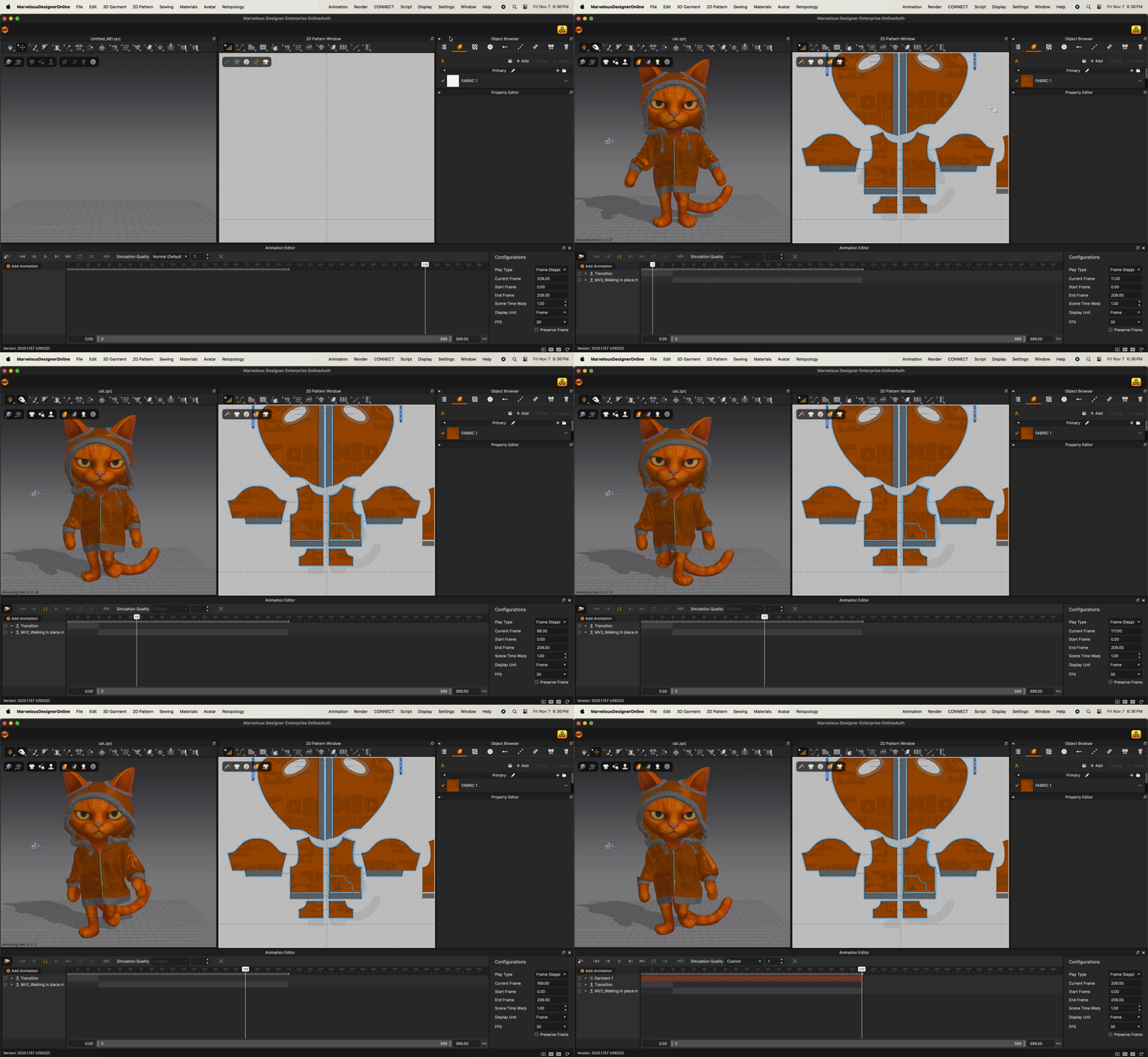
Animation
import import_api
import utility_api
import fabric_api
import pattern_api
import export_api
import ApiTypes

# ----------------------------------------------------------
# Initialize a new project session
# ----------------------------------------------------------
utility_api.NewProject()

# ----------------------------------------------------------
# 1) Import the garment (ZPRJ) file
# ----------------------------------------------------------
# NOTE:
# - Update the file path below according to your local directory structure.
# - The example path assumes macOS. Use the full absolute path on your system.
#   Example (Windows): "C:/Users/Public/Documents/CLO/Projects/Animation/cat.zprj"
#   Example (macOS):   "/Users/username/Documents/Animation/cat.zprj"
# ----------------------------------------------------------
import_api.ImportFile("/Users/alex/Documents/Animation/cat.zprj")  # <-- modify this path as needed

# ----------------------------------------------------------
# 2) Define animation
# ----------------------------------------------------------
START_FRAME = 0        # Animation start frame index
END_FRAME = 209        # Animation end frame index

# ----------------------------------------------------------
# 3) Configure animation settings
# ----------------------------------------------------------
# - Sets the animation frame range
# - Enables animation recording mode
# ----------------------------------------------------------
utility_api.SetStartAnimationFrame(START_FRAME)
utility_api.SetEndAnimationFrame(END_FRAME)
utility_api.SetAnimationRecording(True)

# ----------------------------------------------------------
# (Next steps)
# - Run simulation if needed
# - Export Alembic, turntable, or rendered animation output
# - Save final project or results
# ----------------------------------------------------------
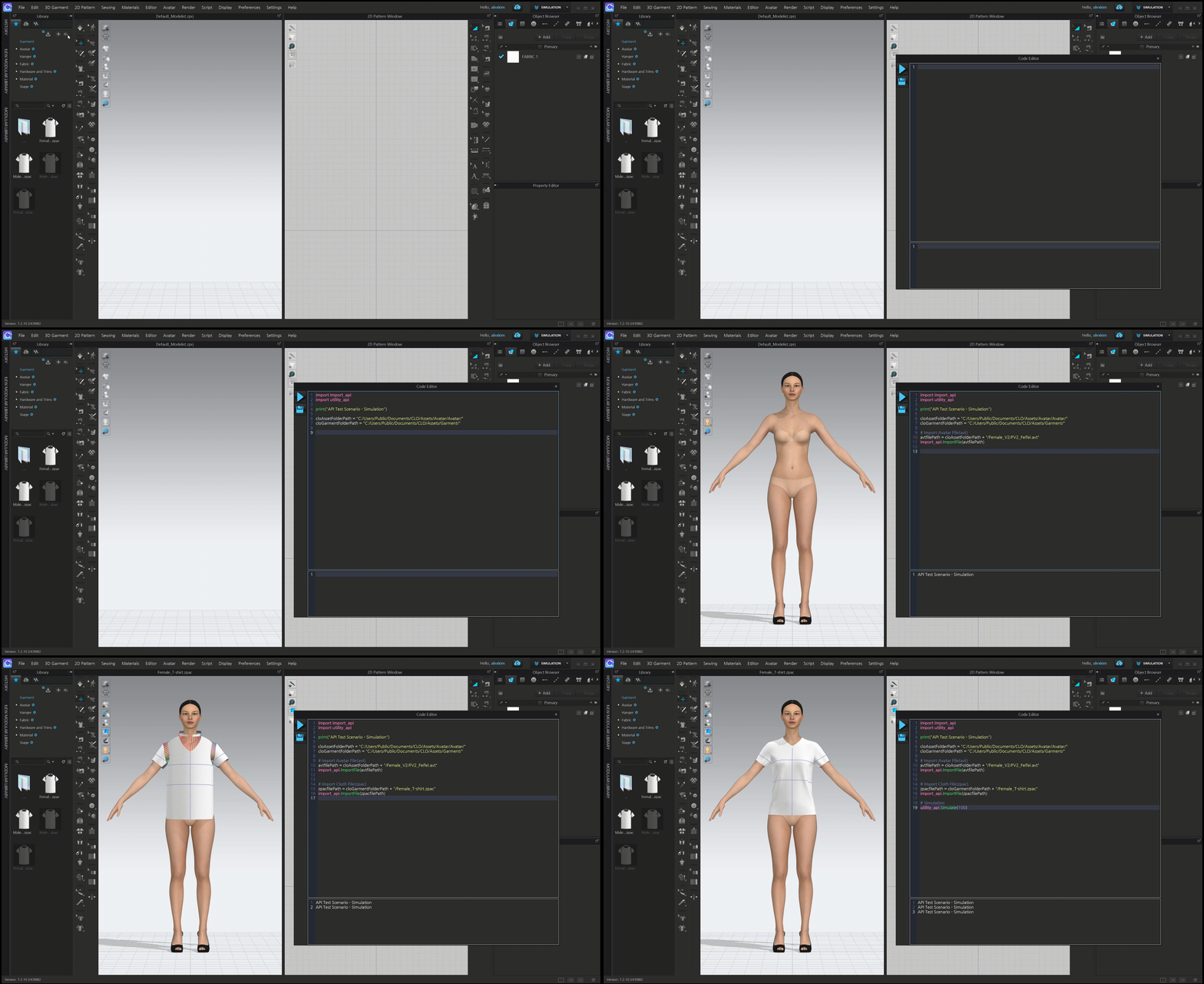
Simulation
import utility_api
import ApiTypes

print("API Test Scenario - Simulation")

# Create a new empty project
utility_api.NewProject()

# Set local asset paths (adjust these to match your environment)
AssetFolderPath = "/Users/alex/Documents/md/Assets/Avatar/Avatar/"
GarmentFolderPath = "/Users/alex/Documents/md/Assets/Garment/"

# Initialize import/export options
op = ApiTypes.ImportExportOption()

# Import Avatar (.avt)
avatarFilePath = AssetFolderPath + "Female_V2/FV2_Mia.avt"
import_api.ImportAvatar(avatarFilePath, op)

# Import Garment (.zpac)
garmentFilePath = GarmentFolderPath + "Tshirt.zpac"
import_api.ImportZpac(garmentFilePath, op)

# Run simulation for 100 frames
utility_api.Simulate(100)
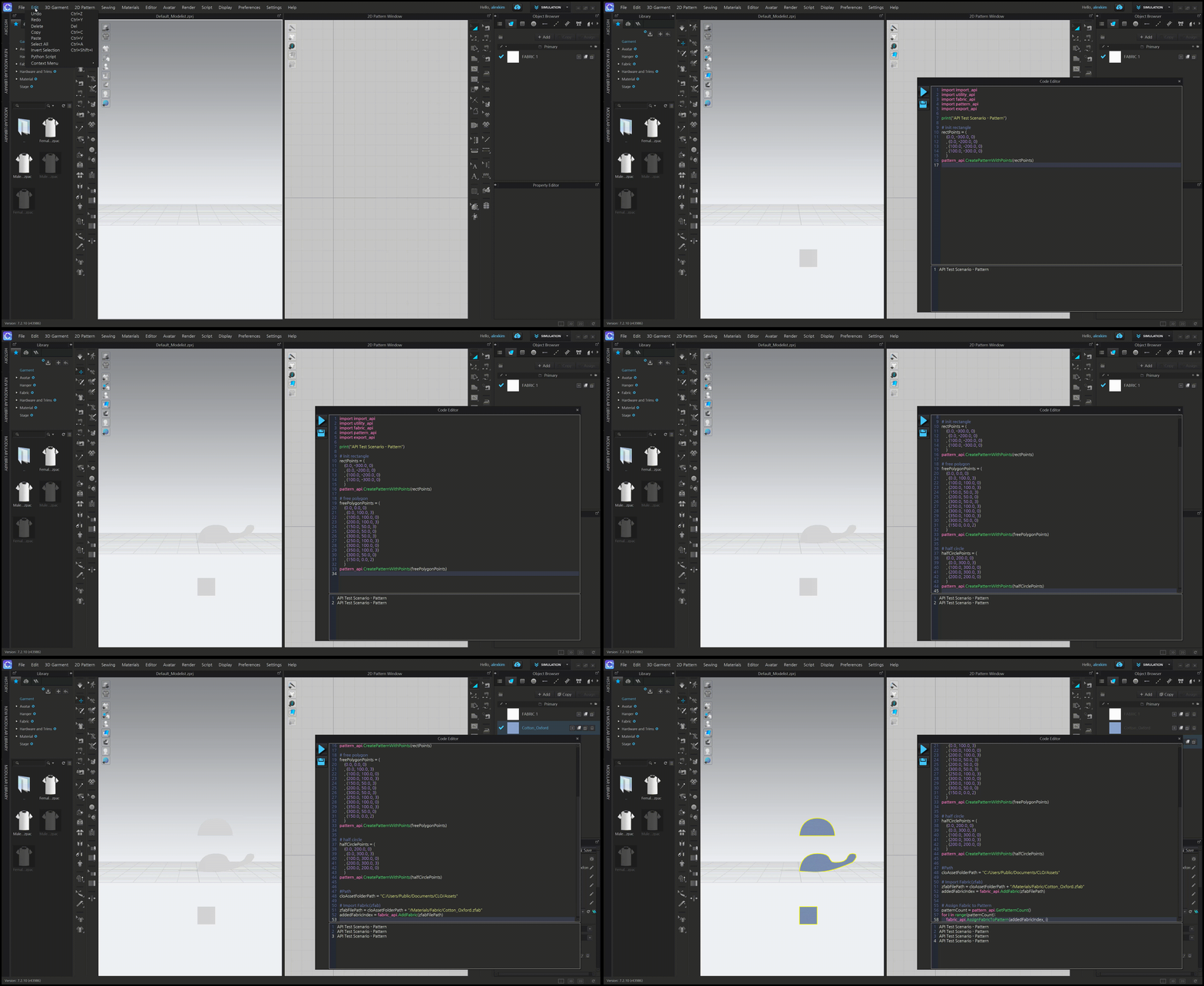
Pattern
import pattern_api
import math

# SCALE FACTOR
scale = 3.0

# SPACING between shapes
spacing = 100.0

# --- SQUARE (0,0) to (300,300)
square_points = [
    (0.0, 0.0, 0),
    (0.0, 100.0 * scale, 0),
    (100.0 * scale, 100.0 * scale, 0),
    (100.0 * scale, 0.0, 0)
]
pattern_api.CreatePatternWithPoints(square_points)

# --- TRIANGLE placed 100 units to the right of square
triangle_offset_x = 100.0 * scale + spacing
triangle_points = [
    (triangle_offset_x, 0.0, 0),
    (triangle_offset_x + 50.0 * scale, 100.0 * scale, 0),
    (triangle_offset_x + 100.0 * scale, 0.0, 0)
]
pattern_api.CreatePatternWithPoints(triangle_points)

# --- CIRCLE approximation with 16 segments, 3x size, placed 100 units to the right of triangle
circle_offset_x = triangle_offset_x + 100.0 * scale + spacing
circle_center_x = circle_offset_x + 50.0 * scale
circle_center_y = 50.0 * scale
radius = 50.0 * scale
segments = 16

circle_points = []
for i in range(segments):
    angle = 2 * math.pi * i / segments
    x = circle_center_x + radius * math.cos(angle)
    y = circle_center_y + radius * math.sin(angle)
    circle_points.append((x, y, 0))

pattern_api.CreatePatternWithPoints(circle_points)
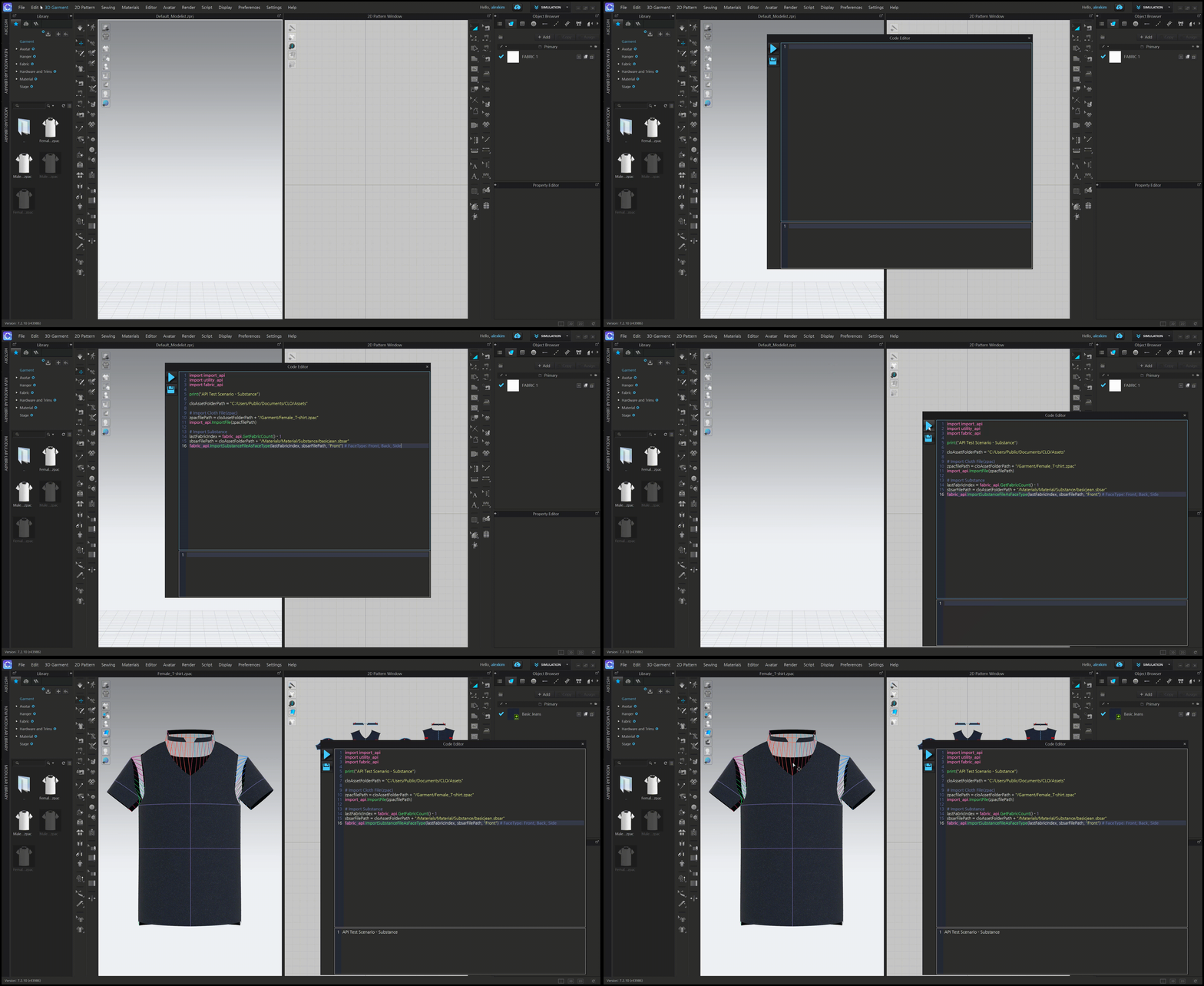
Substance
import import_api
import utility_api
import fabric_api

print("API Test Scenario - Substance")
folderPath = '/Users/vishal.panchal/Documents/Test/'  # <-- modify this path as needed

# Import Cloth File(zpac)
zpacfilePath = folderPath + '/Female_T-Shirt.zpac'
import_api.ImportFile(zpacfilePath)

# Import Substance
lastFabricIndex = fabric_api.GetFabricCount(True) - 1
sbsarFilePath = folderPath + "/denim_fabric.sbsar"
fabric_api.ImportSubstanceFileAsFaceType(lastFabricIndex, sbsarFilePath, "Front") # FaceType: Front, Back, Side